
App Introduction
EasyGift: A Free Gift App for Auto-Adding to Cart, Automatic Gifting, BOGO, and Buy X Get Y Offers EasyGift helps you automatically add any free gift or add-on product to the cart based on custom rules. With this type of cart-add-on upsell and BOGO/Buy X Get Y offers, you’ll become an upselling powerhouse. Thanks to its ultra-simple user interface, creating free gift upsell rules is as easy as a monk’s meditation. You can choose to set up cart-bot-like upsell rules based on cart total value or specific products. You can even select when to activate offers by scheduling start times.
Core Functionality
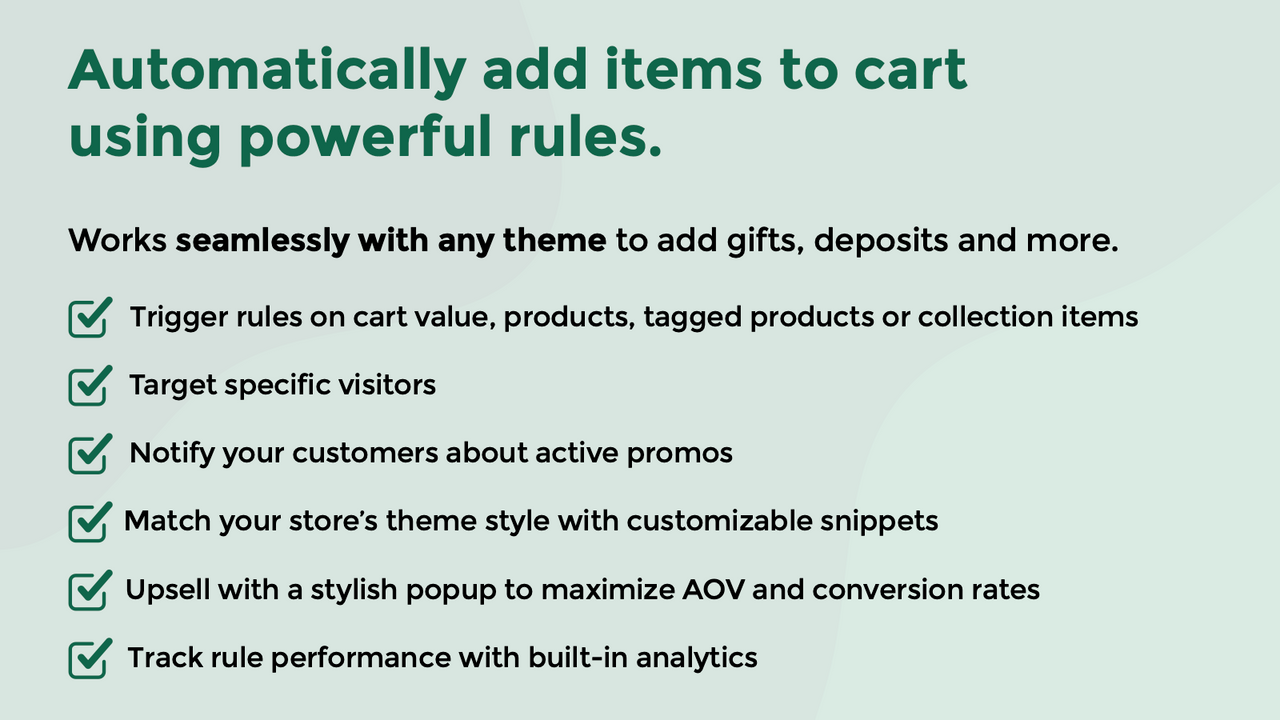
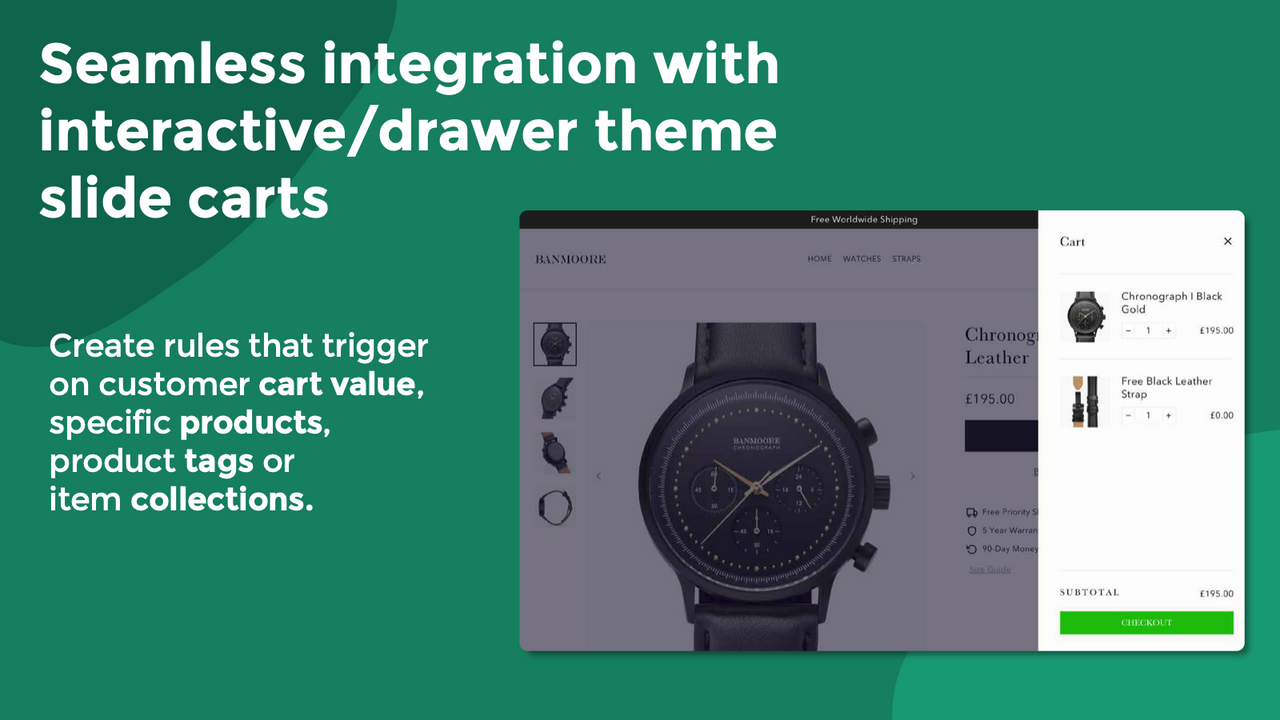
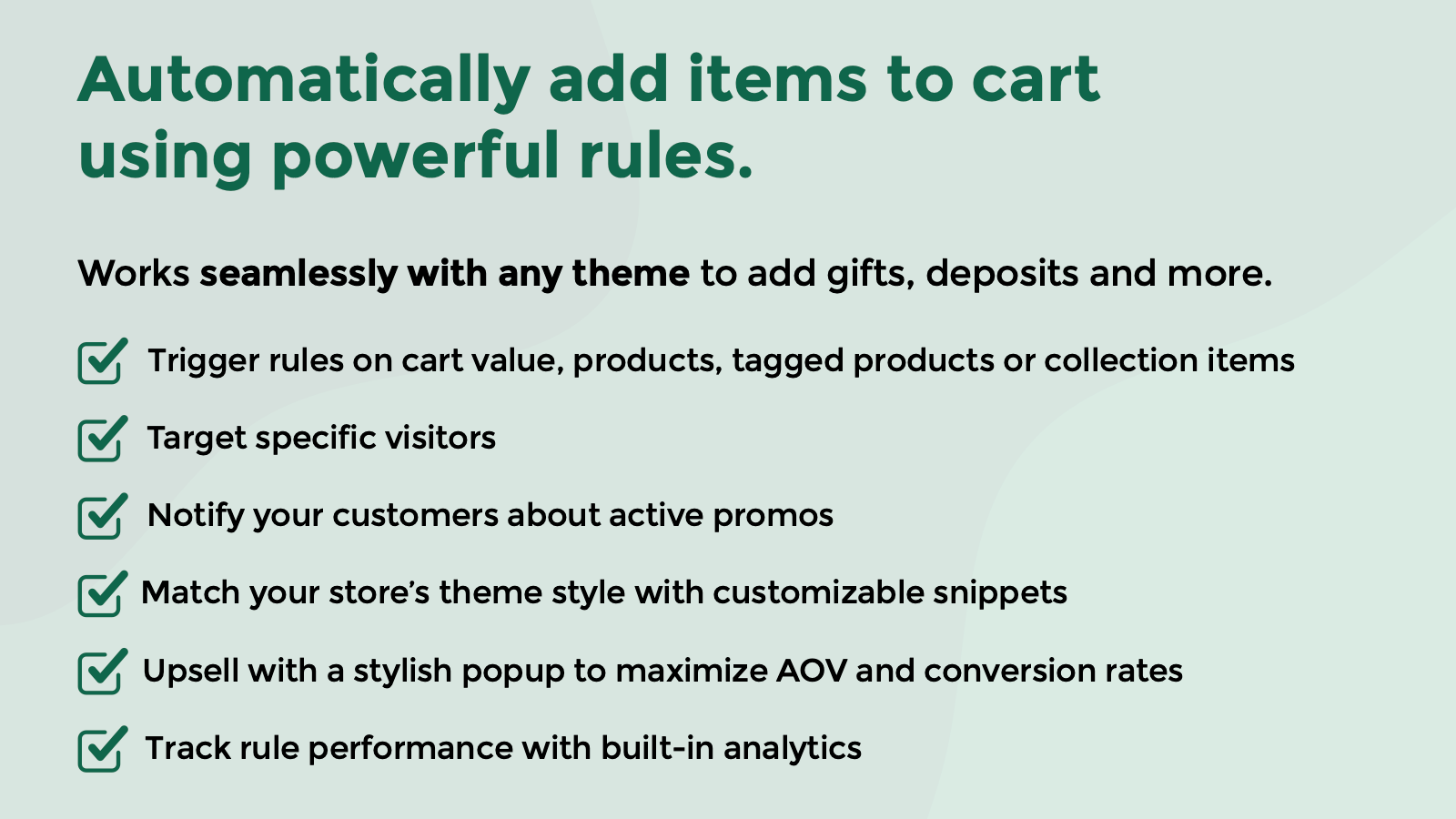
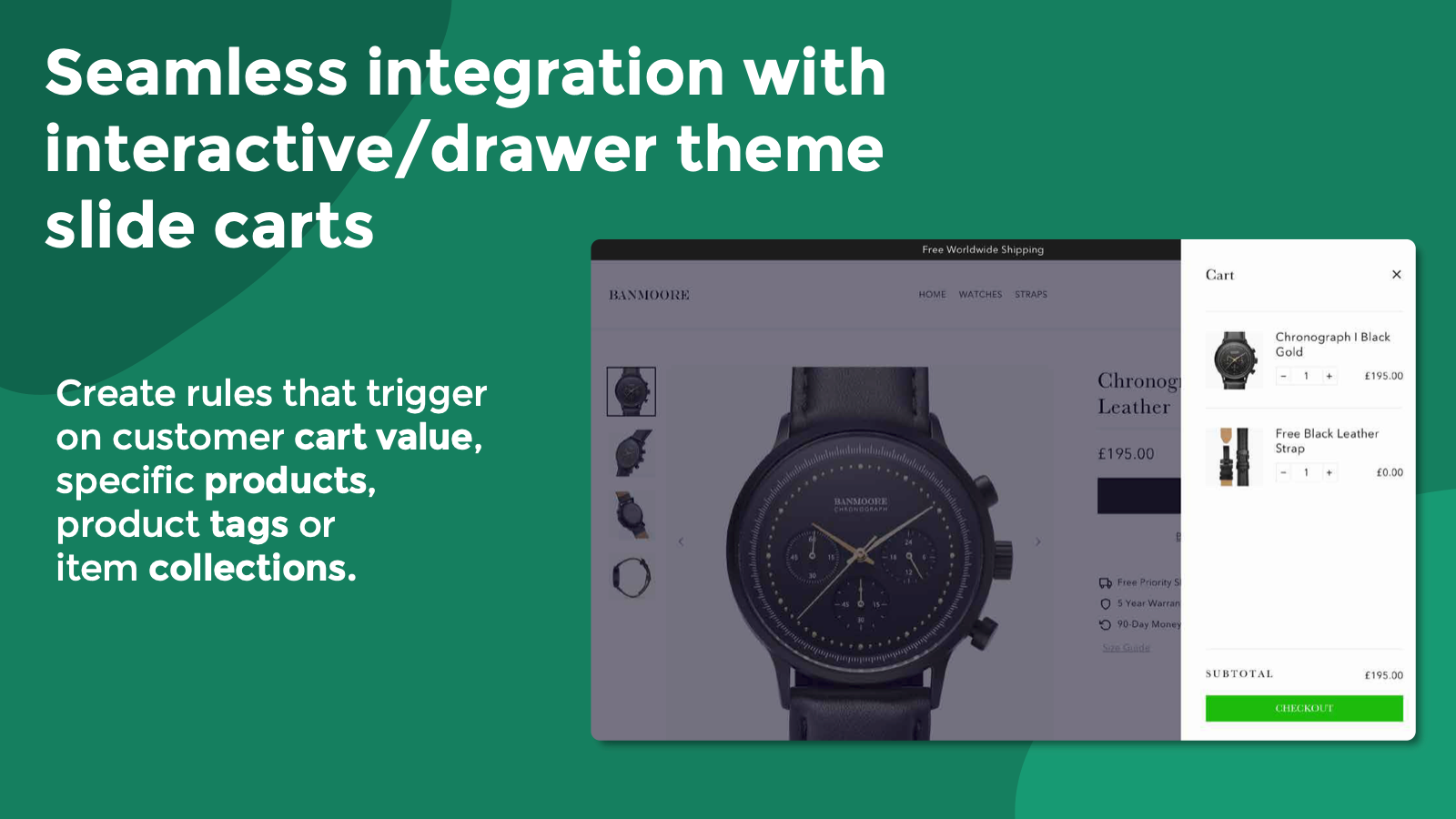
- Automatically add products to the cart when certain items are present or the cart total exceeds a set amount
- Schedule buy-one-get-one (BOGO) and buy-X-get-Y offers to run during specific time periods
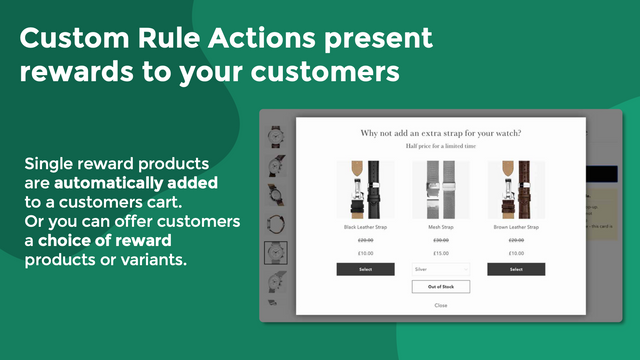
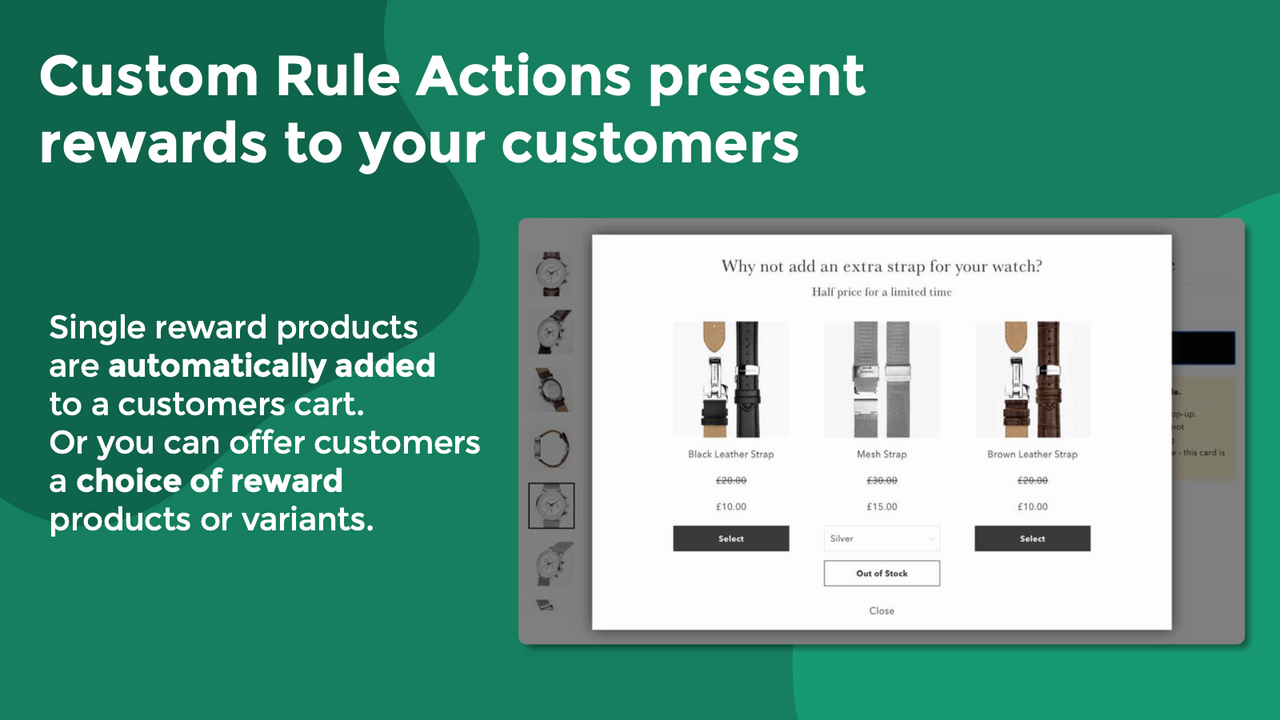
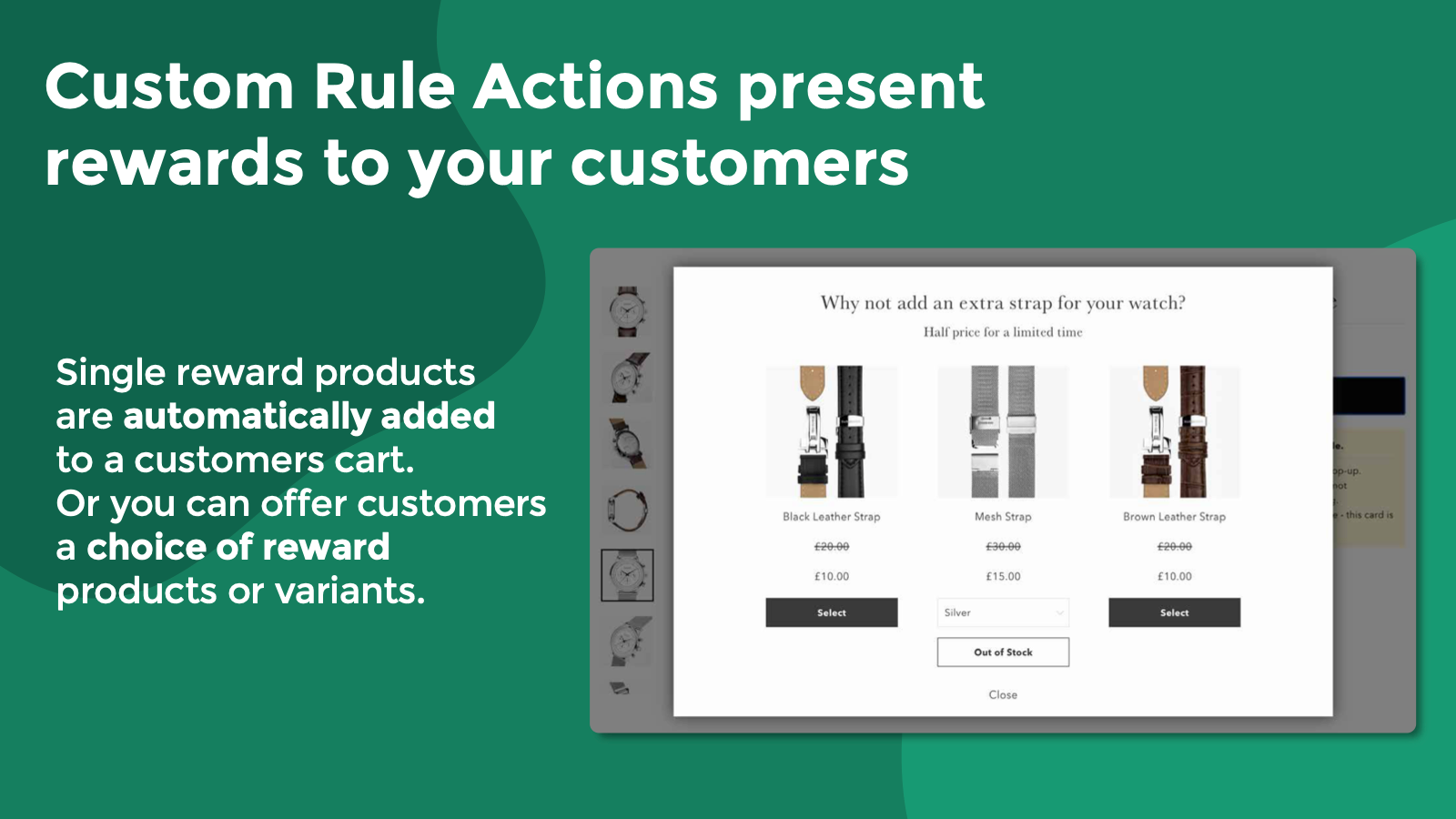
- Run targeted rules to offer customers free gift add-ons or complimentary products
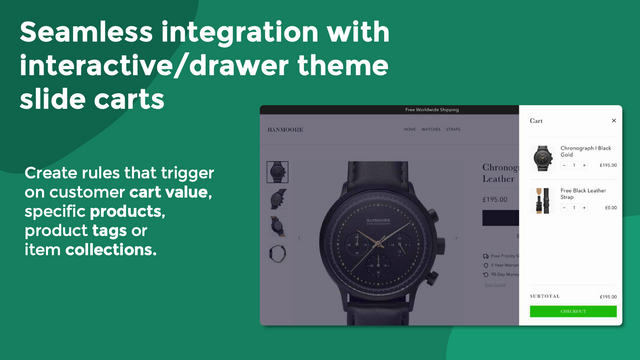
- Trigger free gift purchases based on specific products or collections
- Easily add upsell gifts to the shopping cart
Merchant-Friendly
- Independent Station Merchants
- Multi-category E-commerce
- Promotion-focused Merchants
- Gift-focused E-commerce
- Growth-oriented E-commerce
Basic Information
- Developer:506
- Address:Thomas House, London, ENG, SW1V 1PX, GB
- Price: Free / Free plan
- Rating:5 / 5
- Comment Count:794 comment
- Release Date:2019-12-2
- Supported languages:English
- Compatible products:Shopify
Application Screenshot







Price Plan
Standard
- Activate up to 3 rules
- Basic rule triggering
- Minor customization
- Manage product inventory alerts
- Premium support
Unlimited
- Unlimited Rules
- Advanced Rule Triggers
- More Customization
- Geotargeting
- Product Inventory Alerts
- Product Page Redirection
- Priority Feature Requests
- Advanced Support
User Location & Comments
User Location
Comments
Shopify API Used
- POST /admin/api/cart_rules.json
- PUT /admin/api/cart_rules/{id}.json
- GET /admin/api/cart_rules.json
Permission:write_cart_rules,read_cart_rules,manage_products
- POST /admin/api/discount_rules.json
- PUT /admin/api/discount_rules/{id}.json
- GET /admin/api/discount_rules.json
Permission:write_discounts,read_discounts,manage_products
- POST /admin/api/gift_rules.json
- PUT /admin/api/gift_rules/{id}.json
- GET /admin/api/gift_rules.json
Permission:write_gift_cards,read_gift_cards,manage_orders
- POST /admin/api/product_gift_rules.json
- PUT /admin/api/product_gift_rules/{id}.json
- GET /admin/api/product_gift_rules.json
Permission:write_products,read_products,manage_discounts
- POST /admin/api/upsell_gift_rules.json
- PUT /admin/api/upsell_gift_rules/{id}.json
- GET /admin/api/upsell_gift_rules.json
Permission:write_upsell_offer,read_upsell_offer,manage_products



